THE PATTERN NOTEBOOK
A little guidance, one bead at a time.
Practical guides to choosing an image, understanding a bead pattern, and making thoughtful adjustments before you export.

Getting started · 9 min read
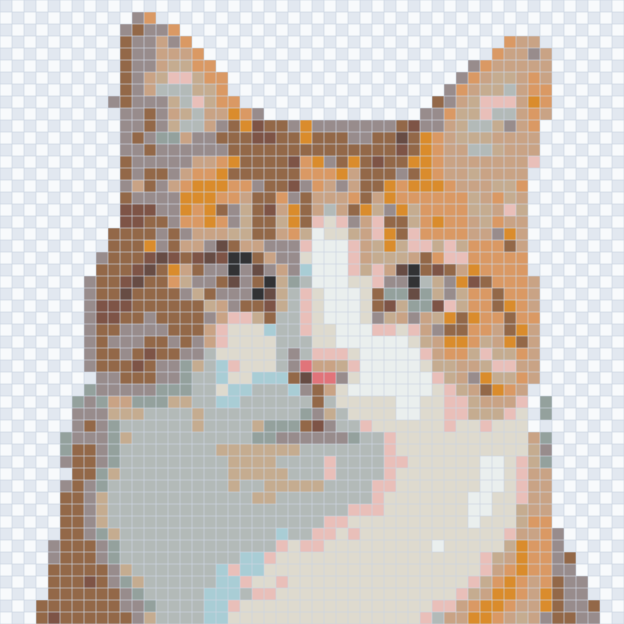
How to turn a photo into a Perler bead pattern
Start with a clear photo. Choose a grid size and color palette, check the details that matter, and download a digital pattern you can refer to.
Read the guide ↗
Reading patterns · 7 min read
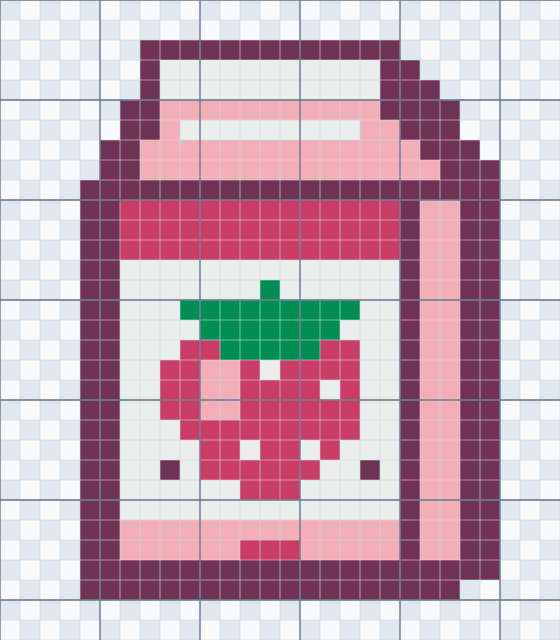
How to Read and Follow a Perler Bead Pattern
Learn to spot empty cells, read Perler color codes and bead counts, follow a pattern one color at a time, and check a PDF against your own board.
Read the guide ↗
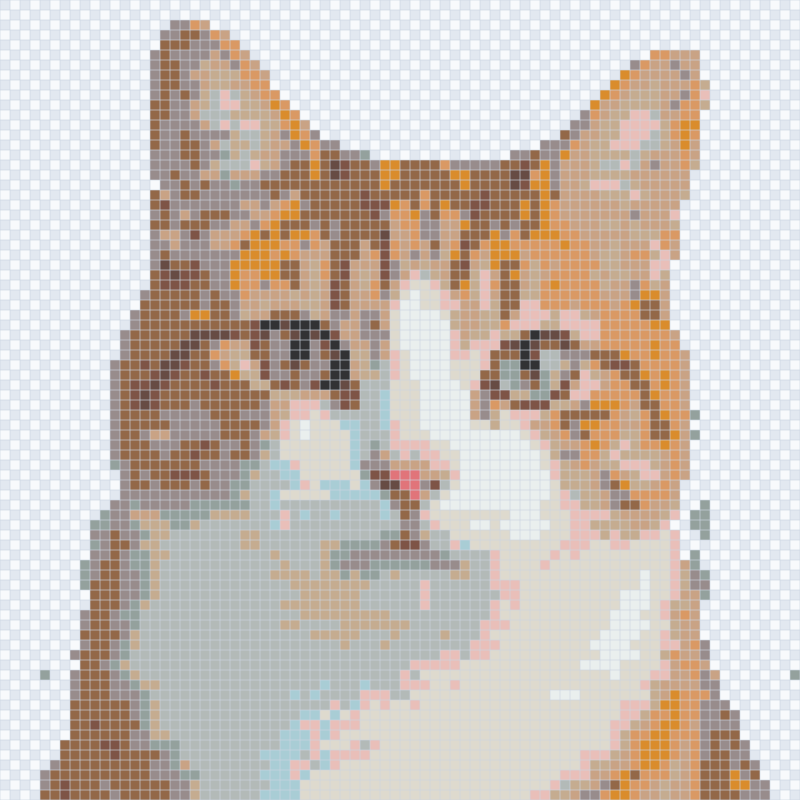
Planning a pattern · 7 min read
How big should your Perler bead pattern be?
Compare one photo at three grid sizes, see how detail and bead counts change, and check the full pattern against your own pegboards before printing.
Read the guide ↗
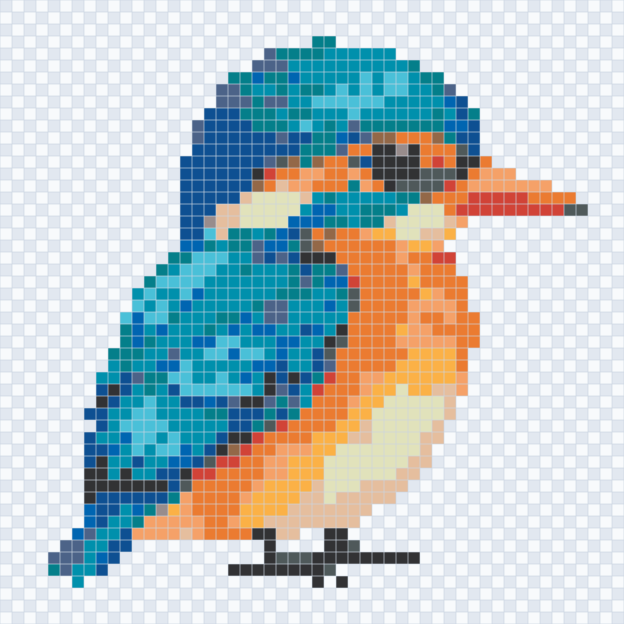
Refining a pattern · 7 min read
How to reduce colors in a Perler bead pattern
Compare 8, 16 and 24 colors, then see what rare-color merging and isolated-cell cleanup actually change—and which details are worth keeping.
Read the guide ↗